
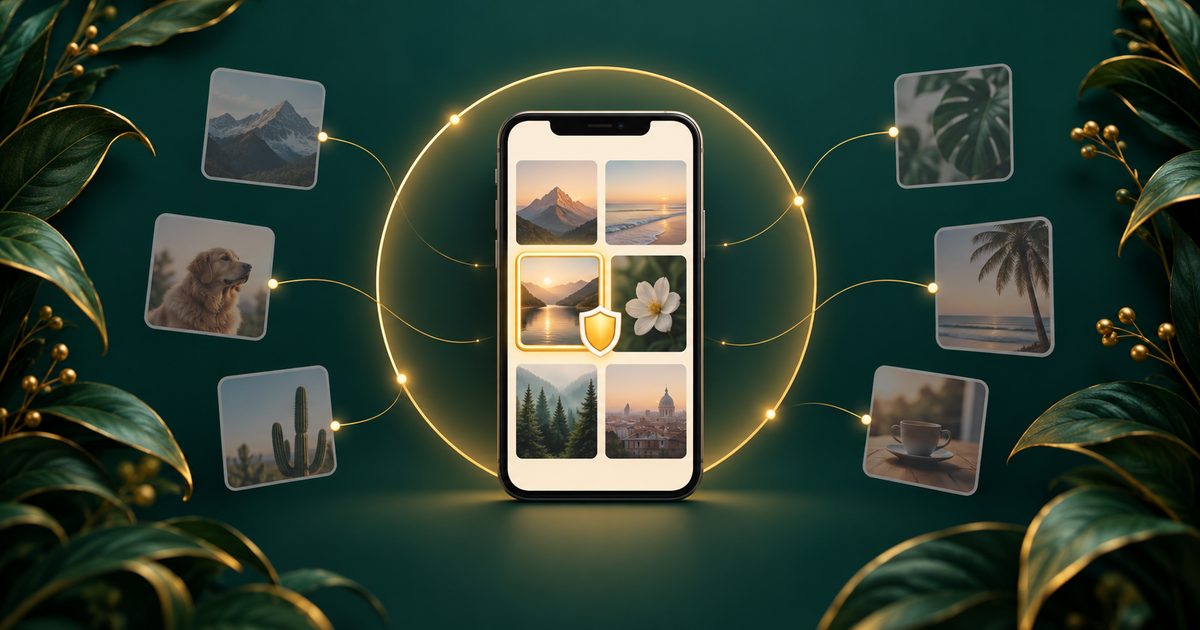
Before building a mobile app, list the information each feature really needs. Request access when the customer understands its purpose, and decide what still works if they decline. This is a product decision that belongs in the first planning conversation, alongside screens, costs and maintenance.
Use the platform's narrower options
Android's current permission-minimization guidance recommends considering alternatives that provide less or more narrowly scoped access. Its photo picker, for example, can let someone select media without granting the app broad access to their library. Location needs can also differ between a one-time task and ongoing use.
The business lesson is to start with the action, not a blanket permission request. “Attach a photo to this request” describes a specific interaction. “Let the app read your photos” describes a much broader capability. The implementation should match the narrower need when the platform supports it.
Check the relevant platform documentation for the devices and versions in your project. Android and iOS have different APIs and review requirements; one platform's implementation is not a specification for the other.
Create a feature-to-data map
For every proposed feature, write four items: the customer action, the data required, the reason for needing it and what happens after the task. This makes vague requests easier to challenge before development starts.
Consider a hypothetical field-service app. A worker attaches a photo to a job, chooses the correct job record and submits it for review. That does not automatically require background location, access to unrelated photos or permission to read contacts.
Discuss retention as well as collection. Who needs the uploaded photo, how long does the job require it and who can remove it? These decisions affect the interface and operating process, even before a developer chooses storage technology.
Ask at the moment of use
A customer opening an app for the first time may not understand why several permissions appear immediately. A request made after they select a relevant action has more context.
Write the explanation in the same plain language as the rest of the app. If the feature attaches a delivery photo, explain that action. Avoid language that promises the app cannot access anything beyond what the implementation actually permits.
Review these messages in every supported language. A translated screen should explain the same purpose and limitations. Do not let the system prompt become the first place a customer learns what the feature does.
Design the declined path
Treat a declined permission as a normal situation to design, rather than an unexpected error. Can someone enter a postal code instead of sharing location? Can they continue viewing a job without attaching a photo? Which actions genuinely require access?
The right answer depends on the task. Document where an alternative is possible and where the feature must explain a limitation. Do not trap a person in repeated prompts or leave an empty screen with no next step.
Also test returning to the app after access changes in device settings. The interface should reflect the current state, rather than assuming that yesterday's permission is still available.
Include permissions in the acceptance review
Ask the development team to demonstrate the granted, declined and interrupted paths on the supported platforms. A working happy-path demo does not show what happens when an upload fails halfway through or a device loses its connection.
Keep a short review record: what information was requested, where the customer saw the explanation and what happened afterward. Include ordinary account access and sign-out behavior in the same discussion. The goal is to understand the complete task, not just the permission dialog.
A practical first step
Choose one app feature and draw its flow on paper. Mark every point where it needs information from the device or another service. Beside each point, write why that information is necessary and what the customer can do if access is unavailable.
If the flow is unclear, resolve it before commissioning more screens. For help connecting those decisions to an app's scope, explore our mobile app development service.